jambuddy.click is a free online tool designed for guitar players. I created JamBuddy primarily for myself, and it will never include ads or subscriptions.
JamBuddy features a responsive user interface but works best on tablets or desktop/notebook displays with a 4:3 aspect ratio.
It covers all your needs when it comes to notes, chords, and scales.
Full fretboard display: View all notes on the fretboard with options for 12, 22, or 24 frets.
Single-note finder: Easily locate all instances of any of the twelve notes on the fretboard.
JamBuddy supports alternative tunings—no problem! It can display a wide variety of tunings for both chords and scales. In total, JamBuddy supports 14 different tunings, more than any other website.
For bass players: Easily switch the number of strings to 4, 5, or 6, and JamBuddy will show the typical bass tunings.
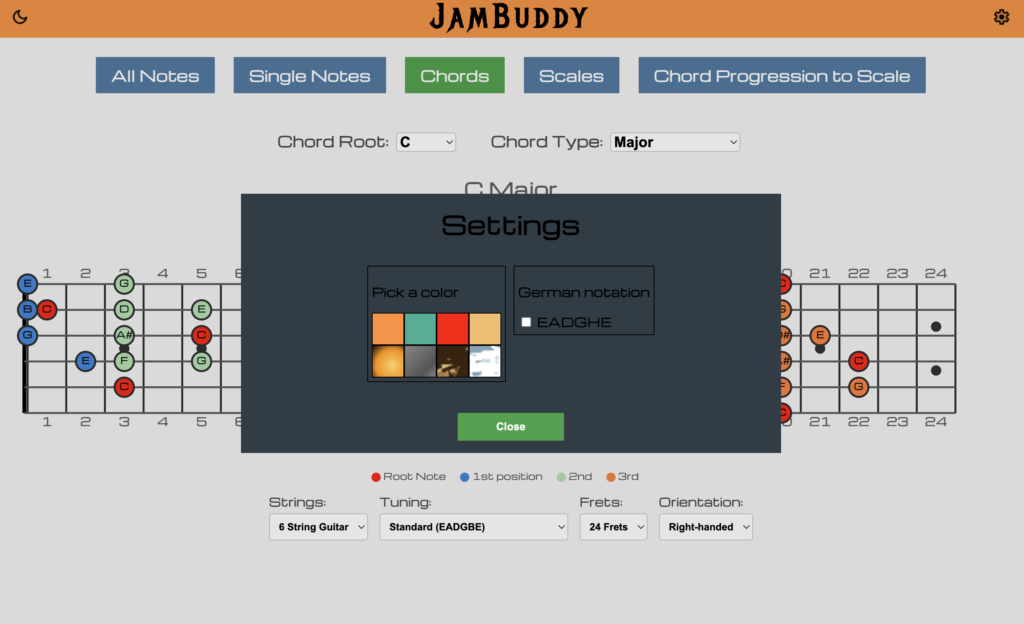
In the Chords section, you can cycle through all root notes and display many chord types, such as major, minor, power chords, and other useful types like sus4 or maj7. JamBuddy shows the most common chord boxes.
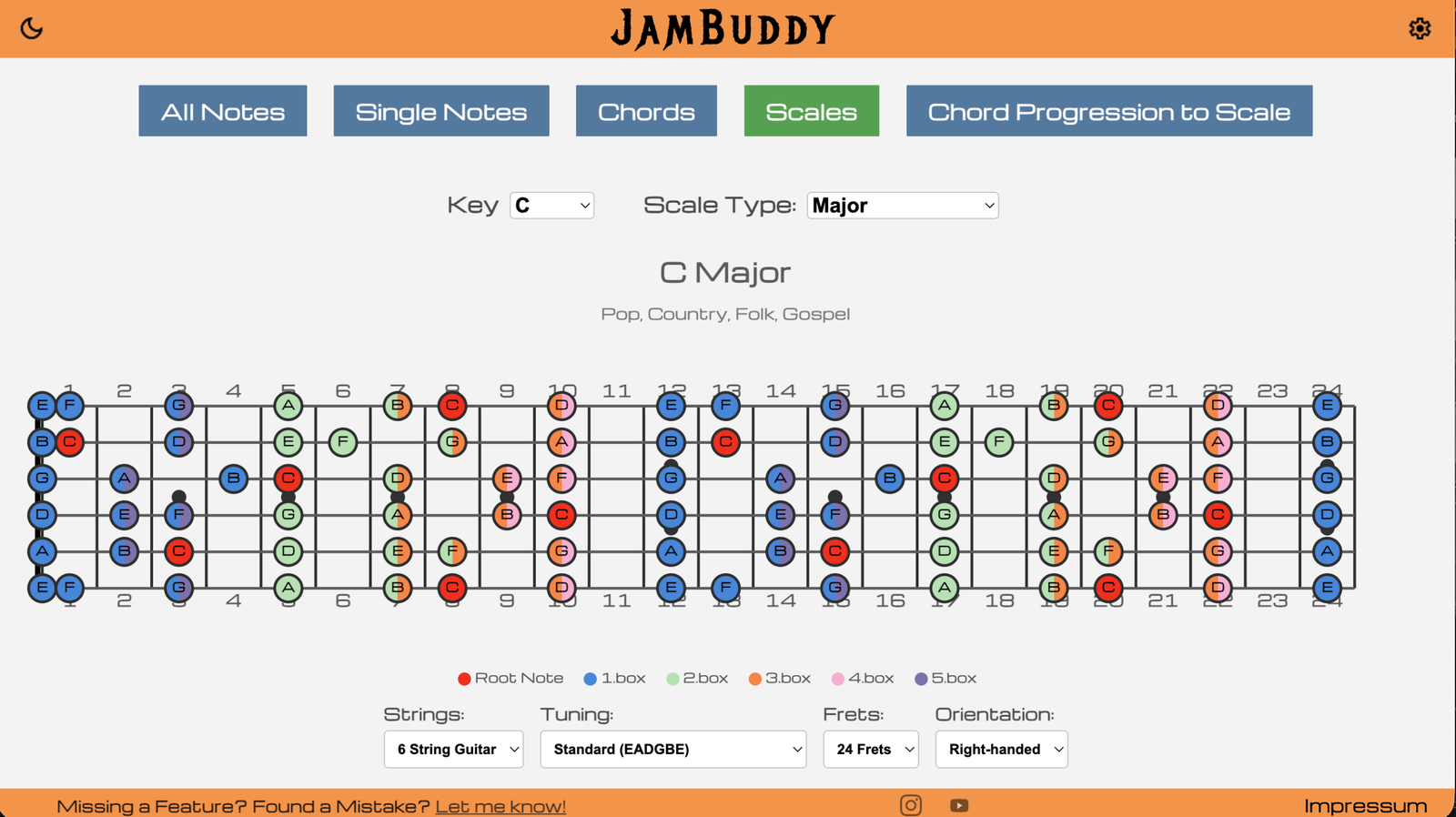
In the Scales section, you can display all five boxes of a total of 12 scale types, including pentatonics, major, minor, and all modes.
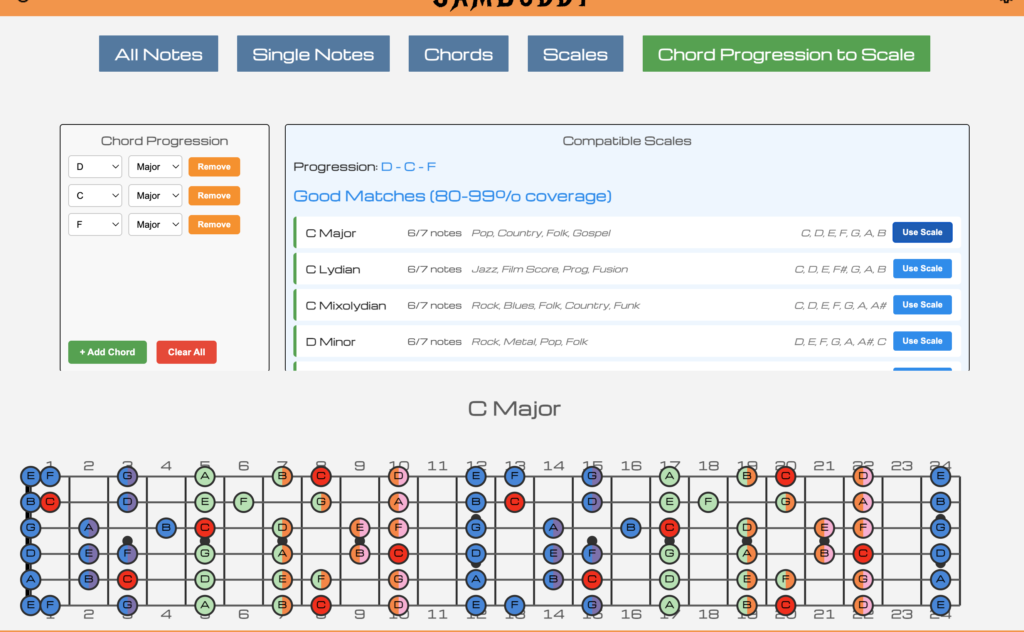
“Chord Progression to Scale” does exactly what it says: Enter your chord progression, and JamBuddy will show you the corresponding scale to play over it.
JamBuddy includes a dark mode, and you can customize the banner color or switch note notation from EADGBE to the German EADGHE in the settings.
For left-handed players: Flip the entire fretboard using the Orientation option.